
Hardware Review
6 min readIs the M1 iPad Air 5 the Best Value Tablet in 2026?
The M1 iPad Air 5 is still a seriously capable tablet in 2026, but storage, the 60Hz display and used-market pricing can completely change whether it's a good buy.

Tech Creator /
The Entry Point
I made a video on the iPad Air 5 last year, and back then I called it one of the best ways to get a flagship iPad experience without spending flagship money. Now that we're in 2026, I still think that's true, but only if you're smart about which model you pick up.
The Air 5 was the first iPad Air to get Apple's M1 chip, which gave it the same 8GB of RAM and the same chip family Apple was using in its Macs and iPad Pros at the time. Four years later, that performance is still the main reason this thing is so easy to recommend used.
The prices have also dropped enough to make it genuinely tempting now. But there is one version I would think very carefully about before buying.
First Impressions (and My 64GB Mistake)
The 2022 design has aged really well. Newer iPad Airs have changed a few things, but the Air 5 still looks modern enough that it doesn't immediately feel like you're carrying around a four-year-old tablet.
I got mine in Space Grey with 64GB of storage and cellular support.
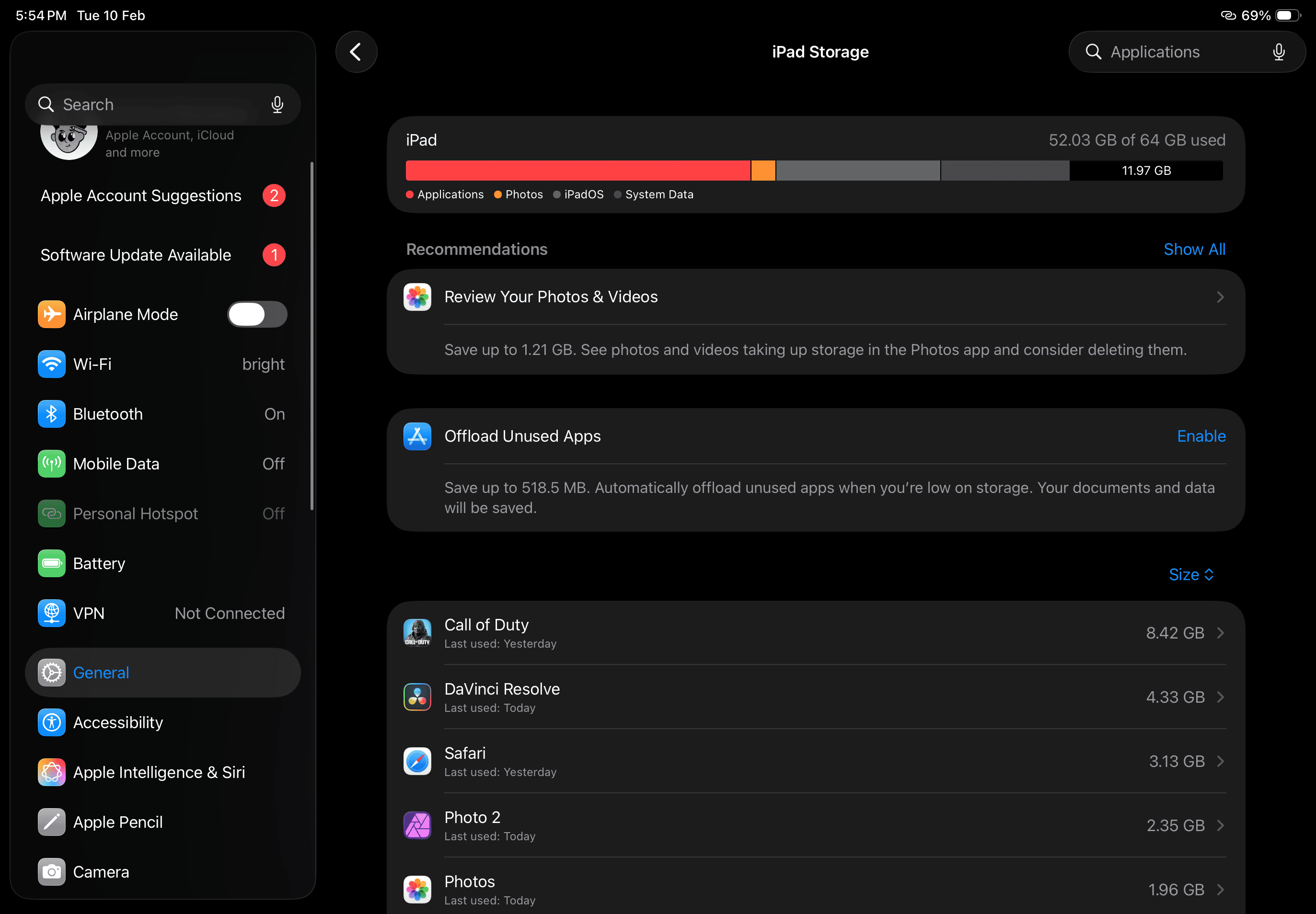 iPad Storage Settings Page
That 64GB was a huge mistake.
Seriously, I would avoid it if you plan to do anything heavy with this iPad. Once you install DaVinci Resolve, a few large games, creative apps and start moving video files around, 64GB disappears ridiculously quickly.
I eventually worked around it with a USB-C splitter so I could edit directly from an external drive while charging the iPad at the same time. It works, but if you can afford the 256GB model, save yourself the headache.
My unit has also picked up a few scuffs because I was way too slow to buy a case, so don't repeat that mistake either.
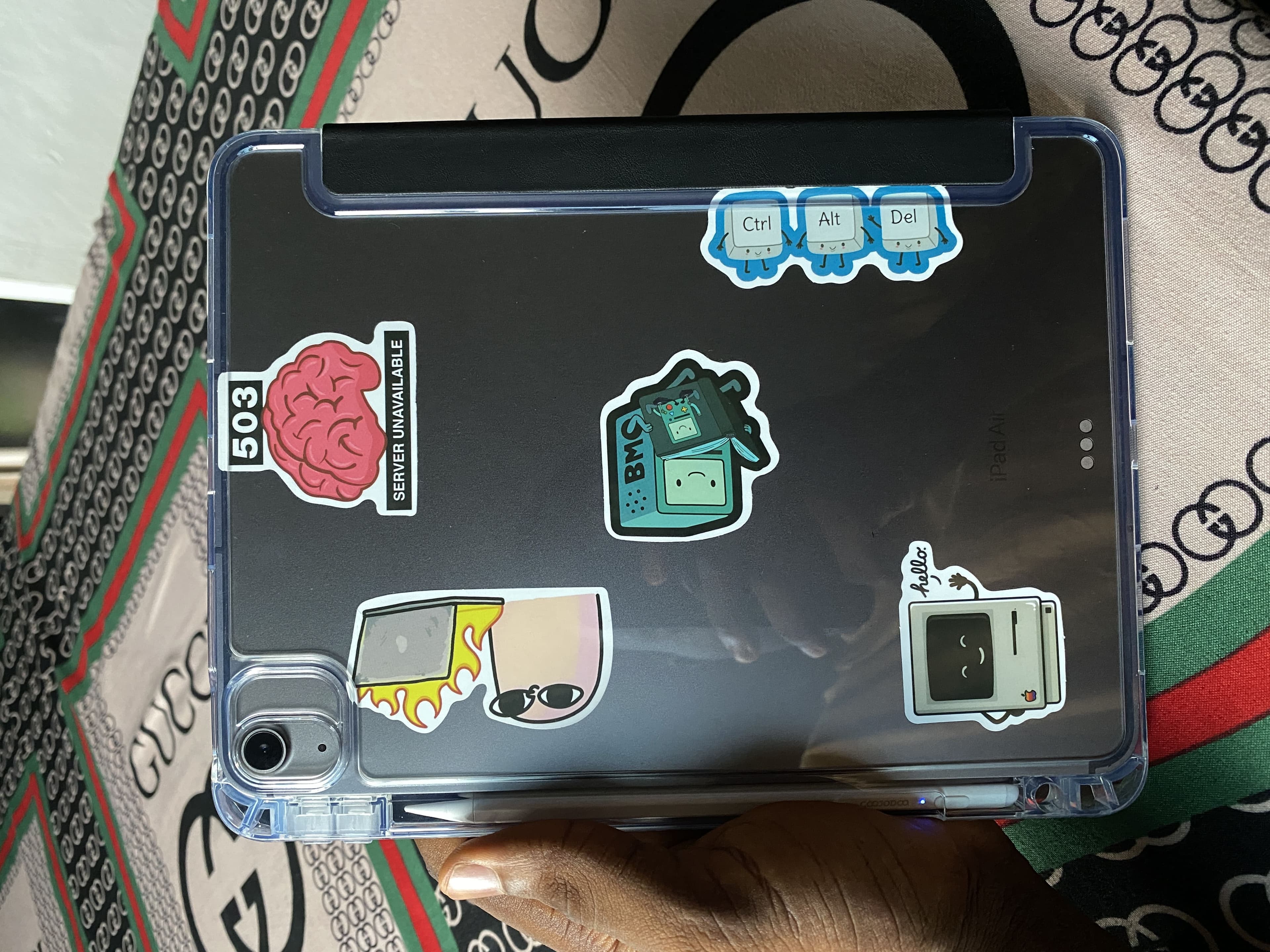 I Love My Stickers
The 64GB model isn't completely useless. If you're mainly drawing, streaming, browsing or doing lighter work and you're comfortable using external storage, you can make it work. For a creative machine, though, I'd much rather have 256GB.
The Display
The 10.9-inch Liquid Retina display still looks great. Colours are good, it's sharp, and the laminated screen makes Apple Pencil use feel much nicer than on the base iPads.
It is only 60Hz, though.
That's probably the part of the Air 5 that feels oldest to me now. Normal iPad use is fine, but I'd absolutely take 120Hz for gaming and Pencil input if Apple had given us the option.
I also tried one of those paper-texture screen protectors to see if it would magically improve my drawing skills.
It didn't.
I'm still bad at drawing, but at least writing and sketching on it feels nice.
Performance: Desktop-Class Power in Your Bag
This iPad is still fast. Like, stupidly fast for something released in 2022.
For about six months, every video on my channel was edited in DaVinci Resolve on this tablet. Proper 4K timelines, colour grading and all.
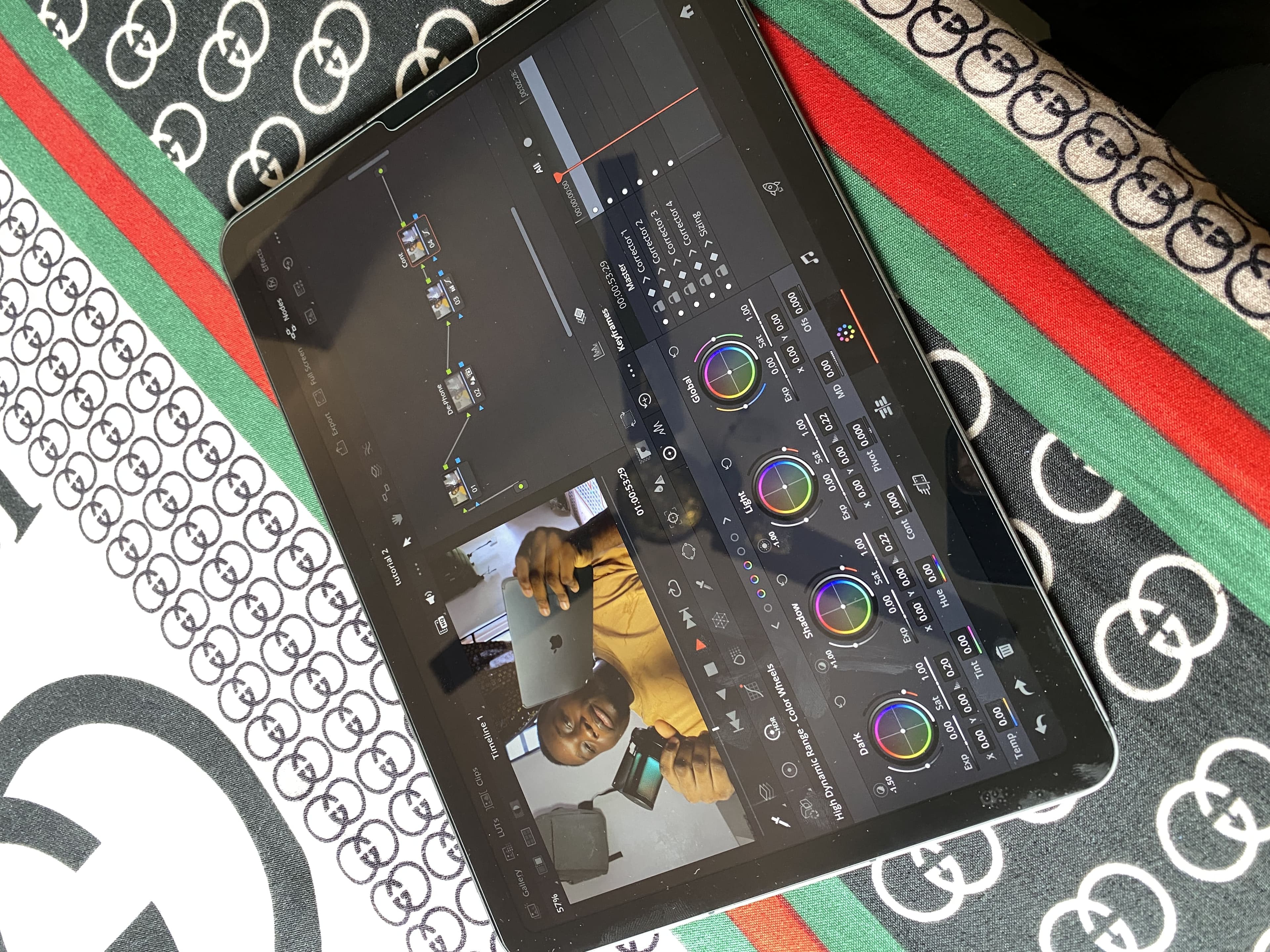 4K timeline with a bit of color grading
At the time, my PC was admittedly a bit of a "dog poo" build 😪 and struggled with timelines that the iPad handled surprisingly well. That's what originally sold me on how much power Apple had stuffed into this thing.
I wouldn't say the newer base iPads are limited to 1080p, though. DaVinci Resolve officially supports A-series iPads too, including the A16 model, and they can work with 4K footage. The difference is that the M1 gives you more memory and more breathing room for heavier projects, effects and multitasking.
That's the reason I'd still take an M1 Air over a base iPad if creative work is a big part of what you want to do.
I've also played long sessions of Call of Duty: Mobile at high settings without noticing any serious performance drop. That doesn't mean the M1 somehow never throttles, but in my own use I've never felt like heat was holding the tablet back.
The only strange issue I noticed after updating to iPadOS 26.2 was slightly worse battery life. It wasn't enough to ruin the tablet, but it was noticeable compared with how it behaved before the update.
The Cameras and the One Software Problem That Annoys Me
The cameras are fine. Nothing special, but they're better than I expected to care about on an iPad.
You get a 12MP ultrawide front camera with Center Stage for video calls and a 12MP rear camera that can record up to 4K at 60fps. I wouldn't buy an iPad for photography, obviously, but for scanning documents, quick clips and video calls they do the job.
I do have one annoying software problem, though: playing a game while listening to Spotify has become inconsistent for me. I used to be able to swipe down, press play again and continue listening, but some games now immediately stop the music again.
If you've somehow found a reliable fix for that, please let me know because it drives me insane.
The Used Market Value
This is where the Air 5 gets interesting in 2026.
I originally paid around ₦600,000 for mine when the M1 Air was still relatively expensive. Current Nigerian listings are all over the place depending on condition, storage and whether you're getting Wi-Fi or cellular, but 64GB units regularly show up around the ₦500,000 range, with 256GB models usually costing noticeably more.
That's why I wouldn't automatically buy the cheapest one I could find.
A clean 64GB Air 5 can look like an amazing deal until you realise you're constantly fighting storage. If the jump to a 256GB model isn't ridiculous, that's the version I'd personally target.
You should also compare the price against newer base iPads before buying. If an Air 5 is priced too close to much newer hardware, the value argument starts falling apart.
But at the right used price, the combination of the M1 chip, 8GB of RAM, laminated display, Apple Pencil 2 support and proper USB-C storage support is still extremely hard to beat.
So, Is It Still Worth Buying?
For me, yes.
I'm still keeping mine, and it remains one of the best tech purchases I've made in the last few years. It has handled drawing, gaming, video editing, file transfers and even acting as an extra display for my PC without ever feeling like I've outgrown the processor.
My only real warning is the storage.
If you're buying an Air 5 specifically because you want to edit videos, work with large files or install a lot of games and creative apps, get the 256GB model if your budget allows it.
The M1 still has plenty of life left in it. The 64GB storage doesn't.
Next Step: I put together a blog on my favorite iPad apps if you want to see the software I actually use to take advantage of the M1.