The MTN 5G Router: My Honest Review After Daily Driving It
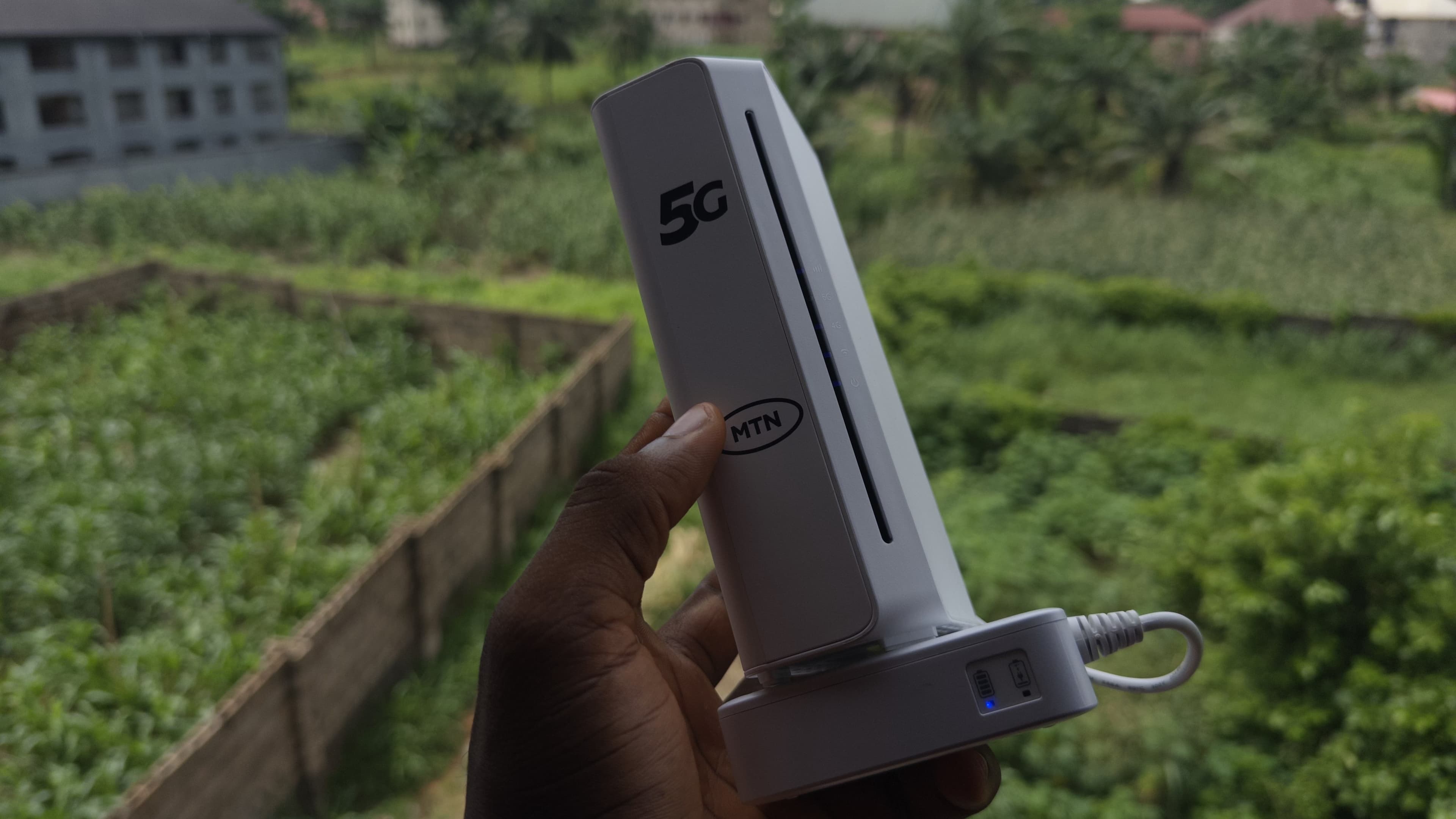
The Remote Work Savior
If you work remotely, you already know that bad internet is a really annoying thing to experience. I recently reached my breaking point after my old router had me waiting three hours just to download a simple 50MB file, and that was the final straw.
I decided to upgrade to the MTN 5G router, hoping it would be the savior of my daily workflow, and after daily-driving it for a while now for streaming, pushing massive DaVinci Resolve project files, and downloading heavy game updates, here is the truth about what it's like to live with this device.
The Ugly: Battery Life (and the Cheat Code to Fix It)
Let’s start with the biggest letdown of the router first. The internal battery is terrible. On a full charge, the thing barely lasts 4 and a half hours, and if you are relying on it during a power cut, you are going to be left in a pinch rather quickly.
But don't panic, because there is a cheat code.
I bought a cheap 5-volt to 12-volt step-up cable so now the second the router's battery dies, I just plug it straight into my power bank. It completely bypasses the internal battery weakness, and everything just keeps working seamlessly.
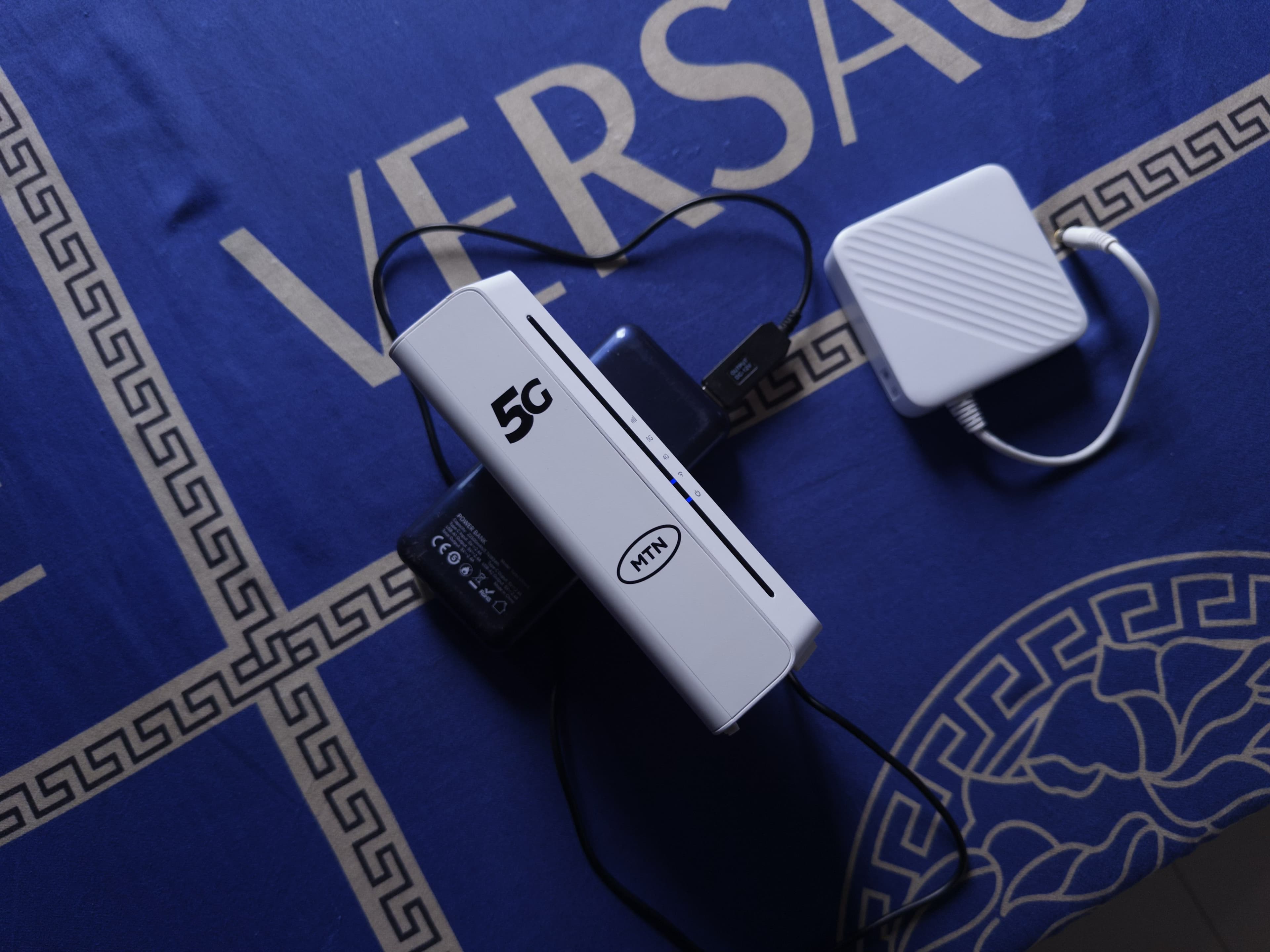 MTN Router plugged into a power bank via step-up
cable
MTN Router plugged into a power bank via step-up
cable
Pro Tip: If you want the internal battery to stretch a bit longer when you don't have a power bank handy, go into the router’s advanced settings. Find the Power Save tab, and switch your Wi-Fi coverage from 'Long' to 'Short'. It significantly reduces battery drain by not sending the signal farther than necessary.
The "Unlimited" Data Question
Whenever I mention this router, the first question people usually ask is: ‘Does it actually have unlimited data?’
The answer is… yes and no.
Yes, because the data technically never finishes, but there is a catch. Once you pass around 400GB on the ₦40,000 plan, your speeds gets heavily throttled. You go from getting around 50Mbps straight down to 5Mbps. So, you get unlimited data, but definitely not unlimited speed.
| Data Usage | Expected Speeds | Performance Reality |
|---|---|---|
| 0GB - 400GB | ~50Mbps | Fast. Zero buffering. |
| 400GB+ | Capped at 5Mbps | Slow downloads, buffering on high-res streams. |
So, you are getting unlimited data, but you are definitely not getting unlimited speed.
Real-World Performance
Despite the throttle cap, the actual performance on this thing has been insane.
This morning alone, I pulled around 50Mbps on 4G mode, and well over 400-500Mbps on 5G. I’ve downloaded games, streamed them for hours, watched YouTube, and it has handled everything perfectly.
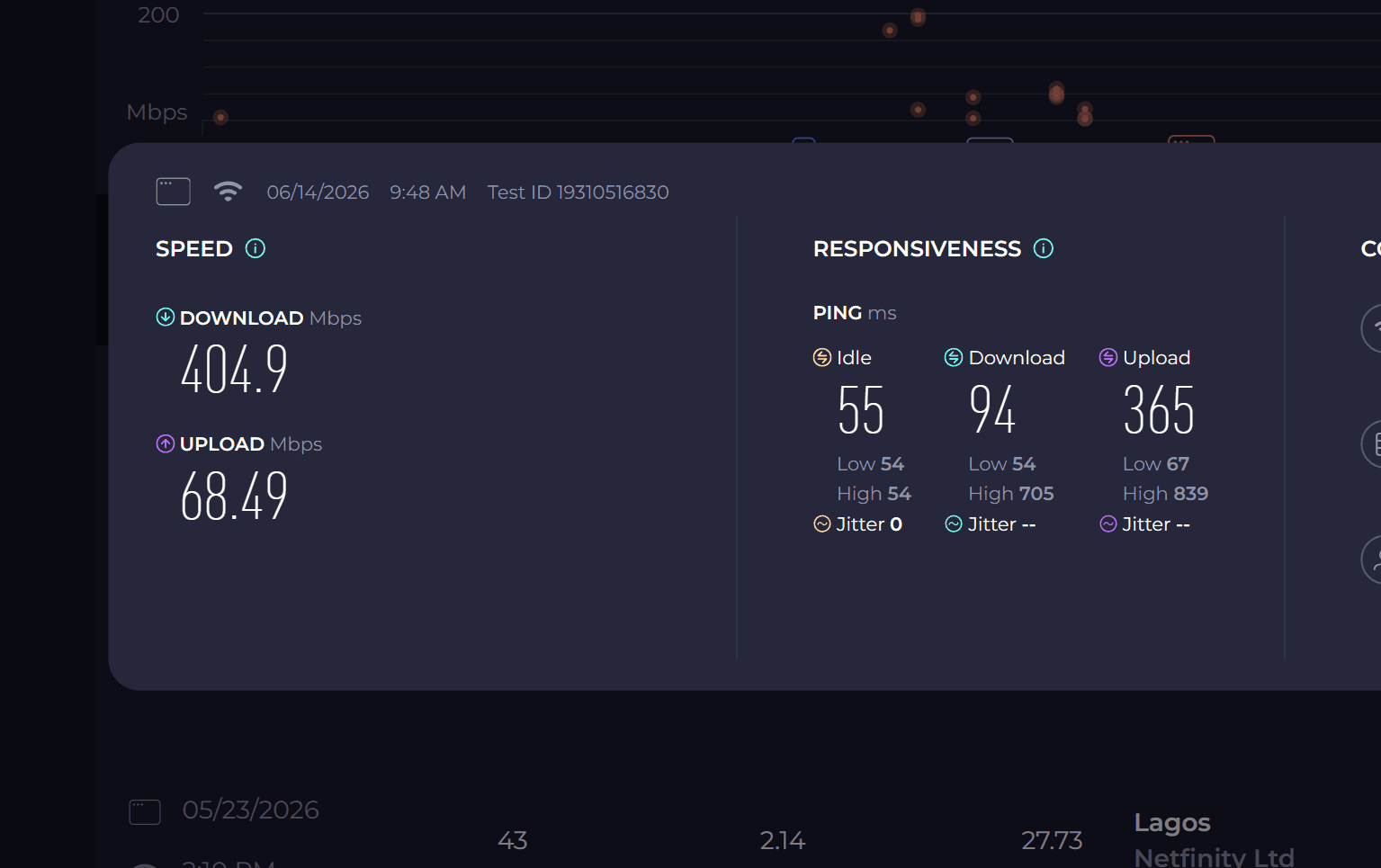 Speedtest app showing 400Mbps+ download
speeds
Speedtest app showing 400Mbps+ download
speeds
It’s not 100% perfect, though. I have noticed that the internet occasionally drops for a split second. However, it snaps right back so incredibly fast that it barely disrupts my workflow or my gaming sessions.
The Ultimate Router Hack: Split Your Bands
I mentioned this on my socials, but I want to break down exactly why you need to do this: Separate your 2.4GHz and 5GHz channels. By default, the router combines these into one Wi-Fi network, and your device just guesses which one to use. This is a terrible idea for power users.
- The 2.4GHz Band: This is slower, but it passes through walls incredibly well. Put your smart home devices, older phones, and anything far away from the router on this band.
- The 5GHz Band: This is pure, raw speed, but it hates walls. You want your primary workstation (like my Lenovo Legion) and your gaming consoles locked exclusively to this band to guarantee you are getting that 500Mbps+ speed without the router randomly throttling you down to 2.4GHz.
Go into the router settings, rename them to something like MTN_5G_2.4 and MTN_5G_5, and manually connect your heavy-duty devices to the 5GHz one. Thank me later.
Overall, even with the battery flaw and the data cap, this router has completely transformed how I work and play at home. It is absolutely worth the investment.
I’ll keep you guys updated if anything changes!
Related posts


Join the Lab
Get my hardware deep dives directly in your inbox.
Thanks for reading
Check out my other deep dives into tech.