
Hardware Review
5 min readThe Samsung Green Line Crisis: Why You Shouldn't Buy the S20 Ultra in 2026
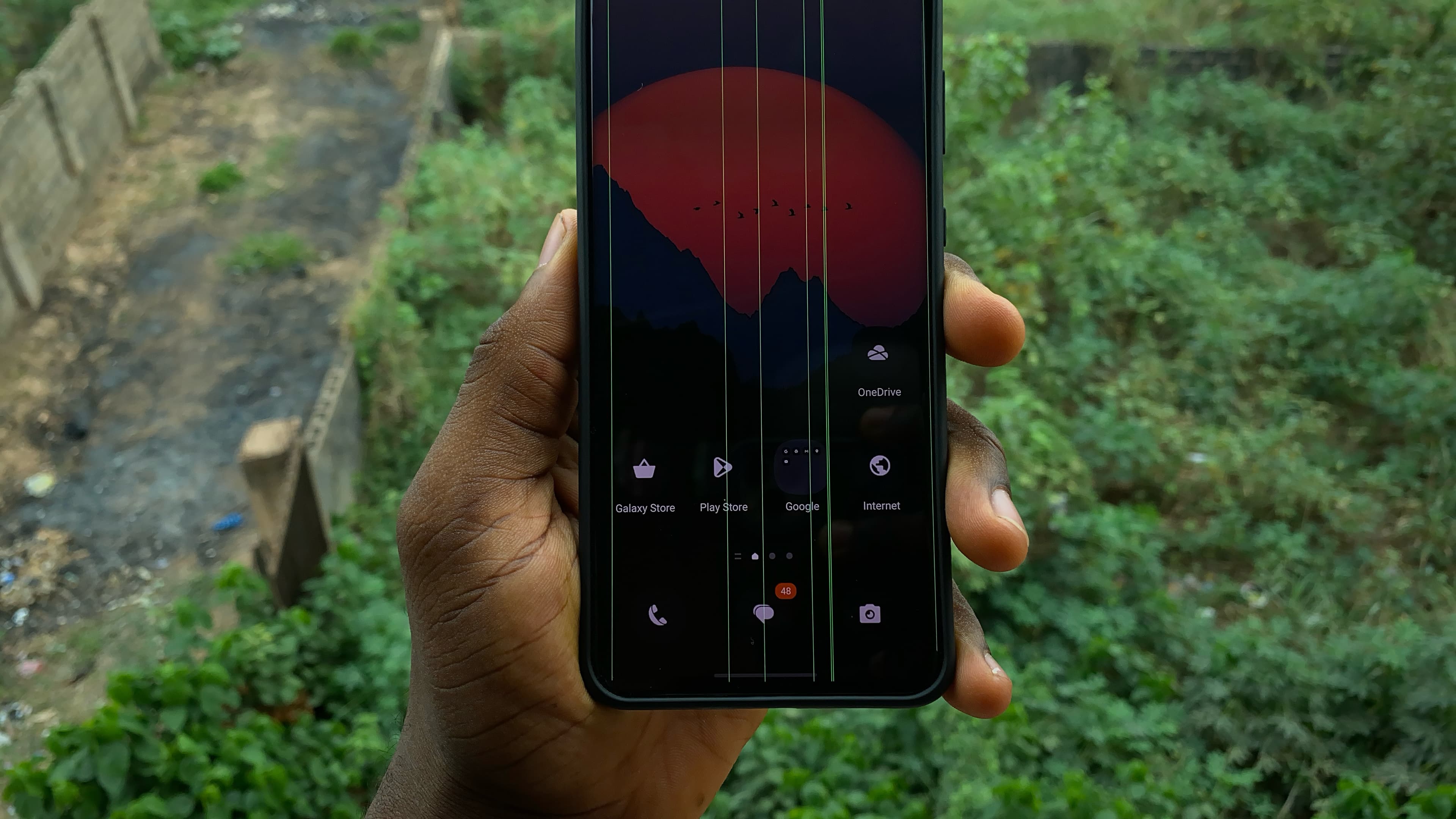
Why the Galaxy S20 Ultra's green line problem makes the once-great used flagship much harder to recommend in 2026.

Tech Creator /
The Entry Point
I made a video on this phone last year talking about how it was probably one of the best ways to get a flagship experience without spending flagship money, but I really don't think that is the case anymore.
On paper, the S20 Ultra still looks ridiculous for the price. You get a 120Hz AMOLED display, capable cameras, solid performance and a phone that still feels surprisingly modern six years later.
The problem is the bright vertical line many Samsung owners have become way too familiar with: the Green Line of Death. Once it appears permanently, an otherwise perfectly usable phone can suddenly need an expensive display repair.
What makes the whole thing even more worrying is that a lot of owners say the line appeared during or shortly after a software update. That doesn't automatically mean the update physically damaged the screen, but the number of reports makes it difficult to ignore when you're considering buying one of these phones used.
What Actually Causes the Green Line?
There isn't one confirmed cause that explains every green line. A vertical line on an OLED display can be caused by a problem with the panel itself, the display connection, a damaged flex cable or, in some cases, software.
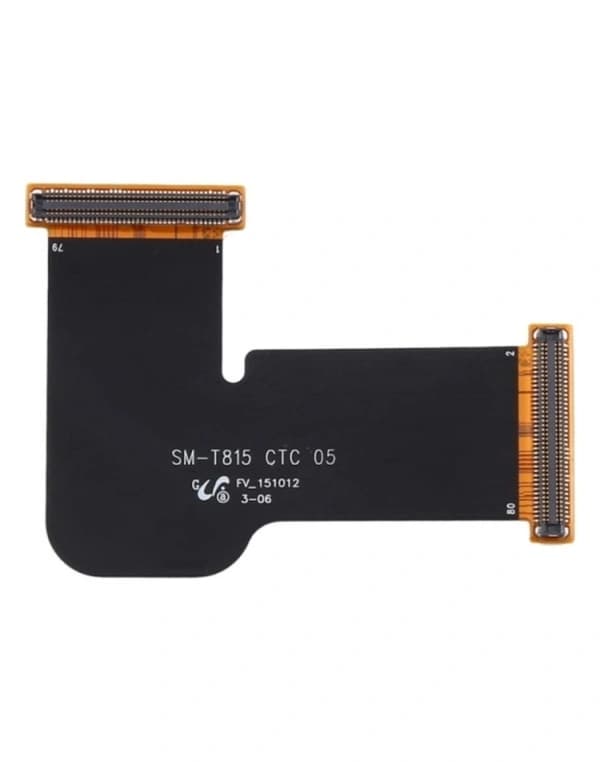 Display Flex
Inside the phone, thin display connections carry the image signal from the main board to the OLED panel. Damage or failure anywhere along that path can produce permanent vertical lines.
iFixit's troubleshooting guide lists software issues, poor display connections, damaged cables and the display panel itself among the possible causes. The important part for a buyer is what happens when the line is caused by hardware.
At that point, you're usually looking at display repair or replacement, and suddenly the cheap S20 Ultra you bought isn't such a bargain anymore.
Why Do So Many Reports Mention Software Updates?
This is where things get complicated. A lot of owners say their screen was perfectly fine, they installed an update, and a green or pink line appeared either immediately or shortly afterward.
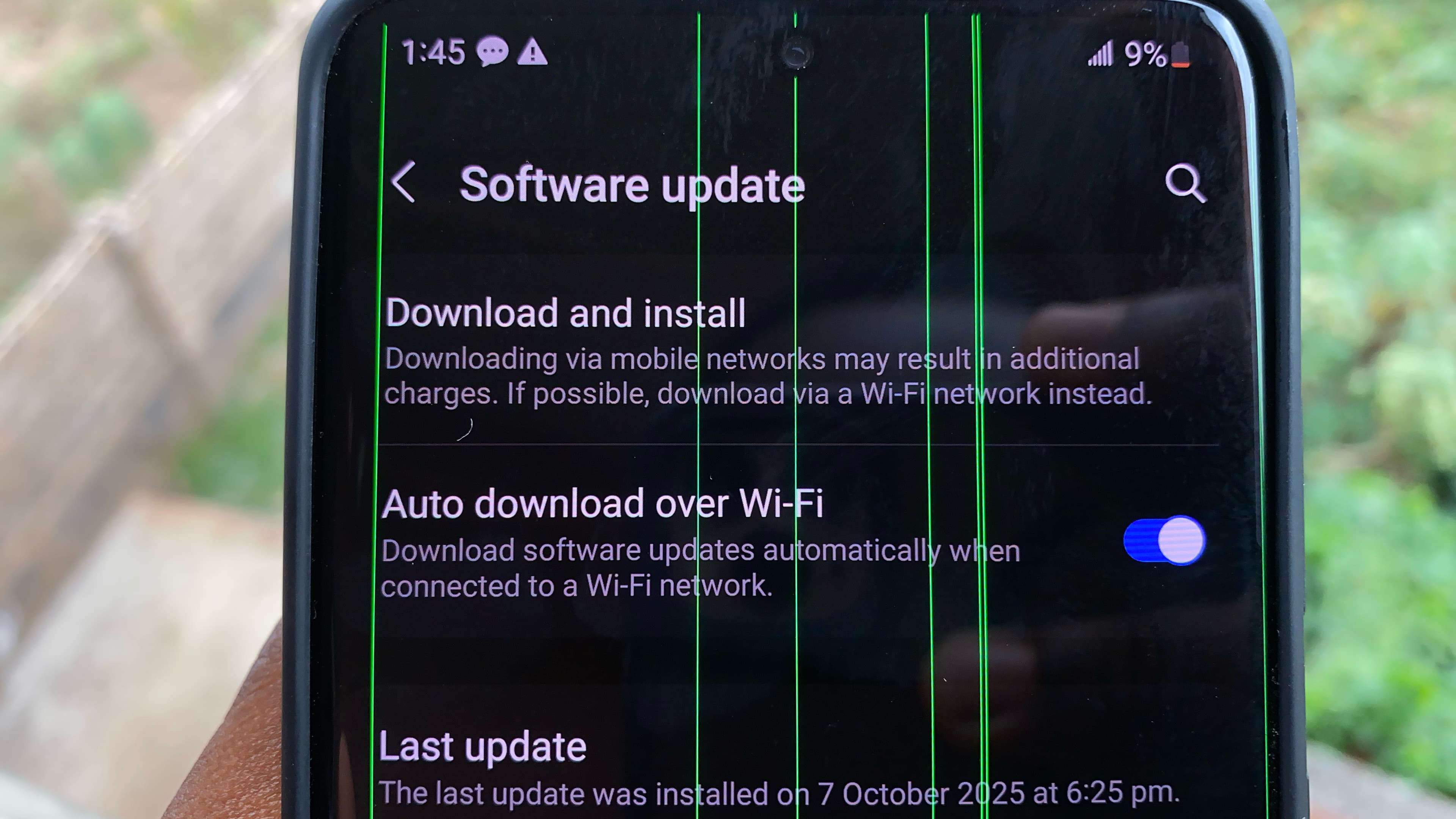 Software Update Page
That timing is obviously why updates get blamed, but something happening after an update doesn't automatically prove that the update physically damaged the OLED.
Software can cause display glitches, which is why basic troubleshooting still matters. If a line appears, restart the phone and check whether it remains across different apps and system screens. If it disappears, you may have been dealing with a software problem.
If it stays permanently on the screen, especially after a restart or in Safe Mode, I would start treating it as a possible hardware problem. What I wouldn't do is stop installing official updates because you're scared of getting a green line. There simply isn't enough evidence to say avoiding updates will protect the display.
Can You Prevent It?
There is no proven trick that guarantees you won't get a green line. Keeping an ageing phone away from unnecessary heat, hard drops, pressure and poor-quality chargers is still sensible, but I wouldn't tell you that removing your case before an update or pointing a fan at the phone will save the display.
The bigger problem with buying an S20 Ultra today is that most units have already lived several years in somebody else's hands. You don't know how often the phone has been dropped, overheated, repaired or opened, and when you're buying an old flagship with an expensive AMOLED panel, that history matters.
What I Would Check Before Buying One
If you're still considering an S20 Ultra because the prices are tempting, don't inspect it for 30 seconds and hand over your money.
-
Test the display properly.
Open full-screen white, grey, red, green and blue images. Test different brightness levels and look for lines, strange tinting, burn-in or flickering. -
Ask if the display has ever been replaced.
If the seller doesn't know the repair history of the phone, take that uncertainty into account before paying. -
Check the frame and back glass.
Large dents, gaps around the back panel or messy adhesive can point to a hard drop or previous repair. -
Restart the phone.
Watch the display while it boots instead of only checking the home screen. -
Take a screenshot if you see a suspicious line.
View the screenshot on another device. If the line isn't visible in the screenshot, that strongly points toward the physical display rather than the image being rendered by Android. -
Check the price of a screen replacement before buying.
If replacing the display would wipe out most of the money you saved by buying the phone used, the deal probably isn't worth it.
Is There a Fix?
If a green line appears on a phone you already own, start with the basics. Restart the phone, check whether the line appears everywhere and try Safe Mode to rule out a third-party app.
If the line remains permanently visible across the system, you're likely dealing with a display-related hardware problem rather than something another software update will magically fix. At that point, the phone needs to be inspected properly.
Depending on what failed, the repair may involve the display connection or replacing the screen assembly entirely. And that is exactly why this issue matters so much when buying an S20 Ultra in 2026: a cheap purchase can stop being cheap very quickly once the display needs replacing.
Is the S20 Ultra Still Worth Buying?
For me, no. And that's unfortunate because I still think the phone itself is great.
The display, cameras and overall performance are still good enough that, if I only looked at the specifications and current used prices, the S20 Ultra would be incredibly easy to recommend. But buying an old flagship isn't only about specifications; you also have to think about what happens if something goes wrong after you hand over the money.
With the number of green-line reports surrounding this generation and the potential cost of fixing the display, I don't think the savings are worth the risk anymore.
If you already own an S20 Ultra with a perfectly good screen, keep using it. But if you're shopping for one used in 2026, I'd look elsewhere.