
Hardware Review
5 min readThe Samsung Galaxy S26 Ultra: Magic Screens, Agentic AI, and Finally... 60W Charging
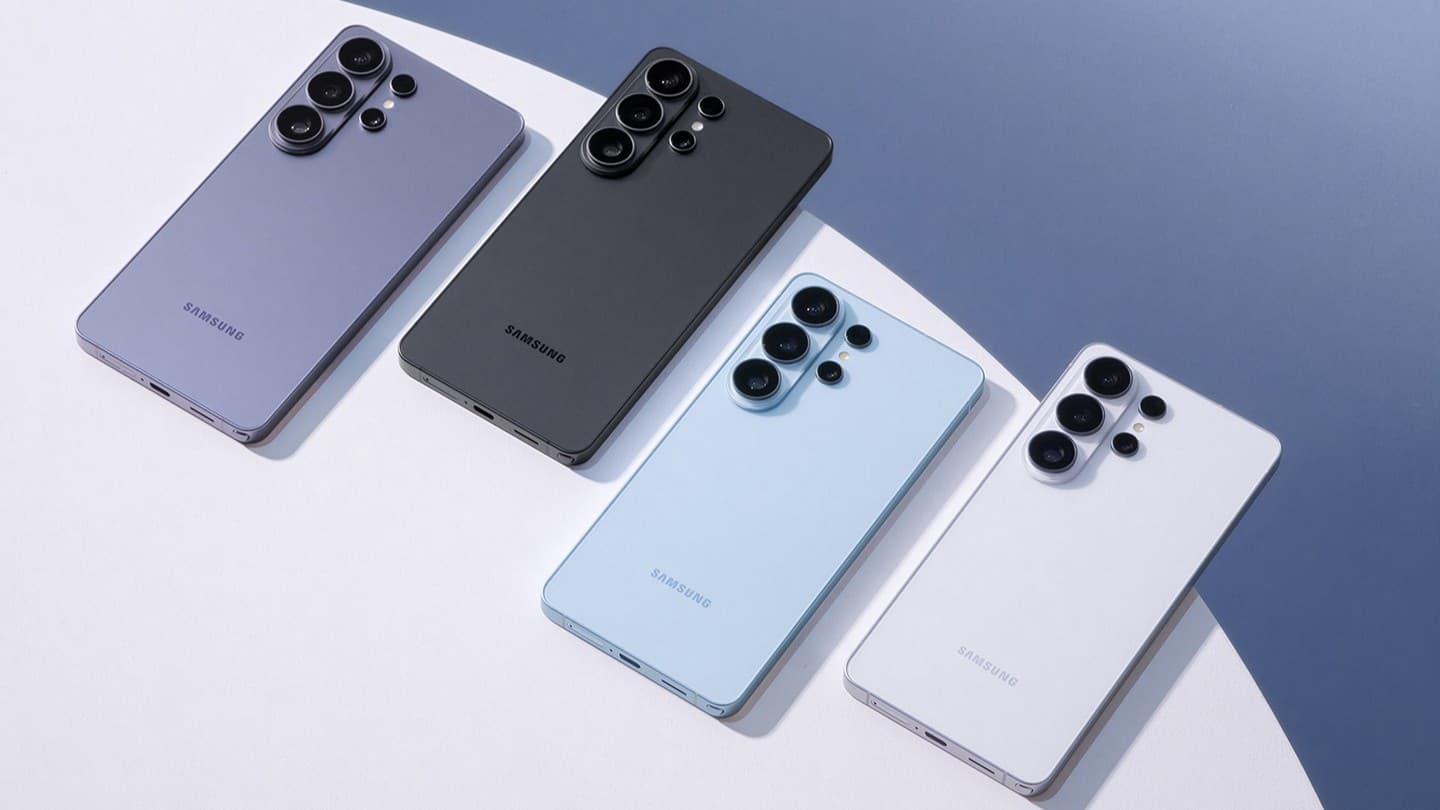
The Galaxy S26 Ultra finally brings faster charging, a built-in privacy display and deeper AI integration, but some of the most interesting changes are easy to miss.

Tech Creator /
The Entry Point
Every year, without fail, the tech community complains that the new Samsung Galaxy is "just a minor spec bump." And honestly, looking at the Galaxy S26 Ultra from a distance, you'd be forgiven for thinking exactly that. It still has the flat display, separate camera rings and, yes, an S Pen tucked into the bottom.
But after watching Samsung's launch, I don't think that's really fair this time.
The S26 Ultra isn't a complete redesign, but Samsung added one genuinely weird display feature, pushed much harder into AI that can actually do things across apps, and finally moved past the 45W charging ceiling that has been annoying me for years.
Those are the changes I actually care about.
The Built-In Privacy Display
This is easily the most interesting thing Samsung announced.
Instead of putting one of those dark privacy screen protectors over the display, Samsung built the privacy system directly into the 6.9-inch QHD+ AMOLED panel.
When Privacy Display is enabled, the phone restricts how much of the screen can be seen from the sides while keeping it clear when you're looking straight at it. Samsung calls the underlying technology Flex Magic Pixel, which controls how light leaves the OLED panel to narrow the viewing angle.
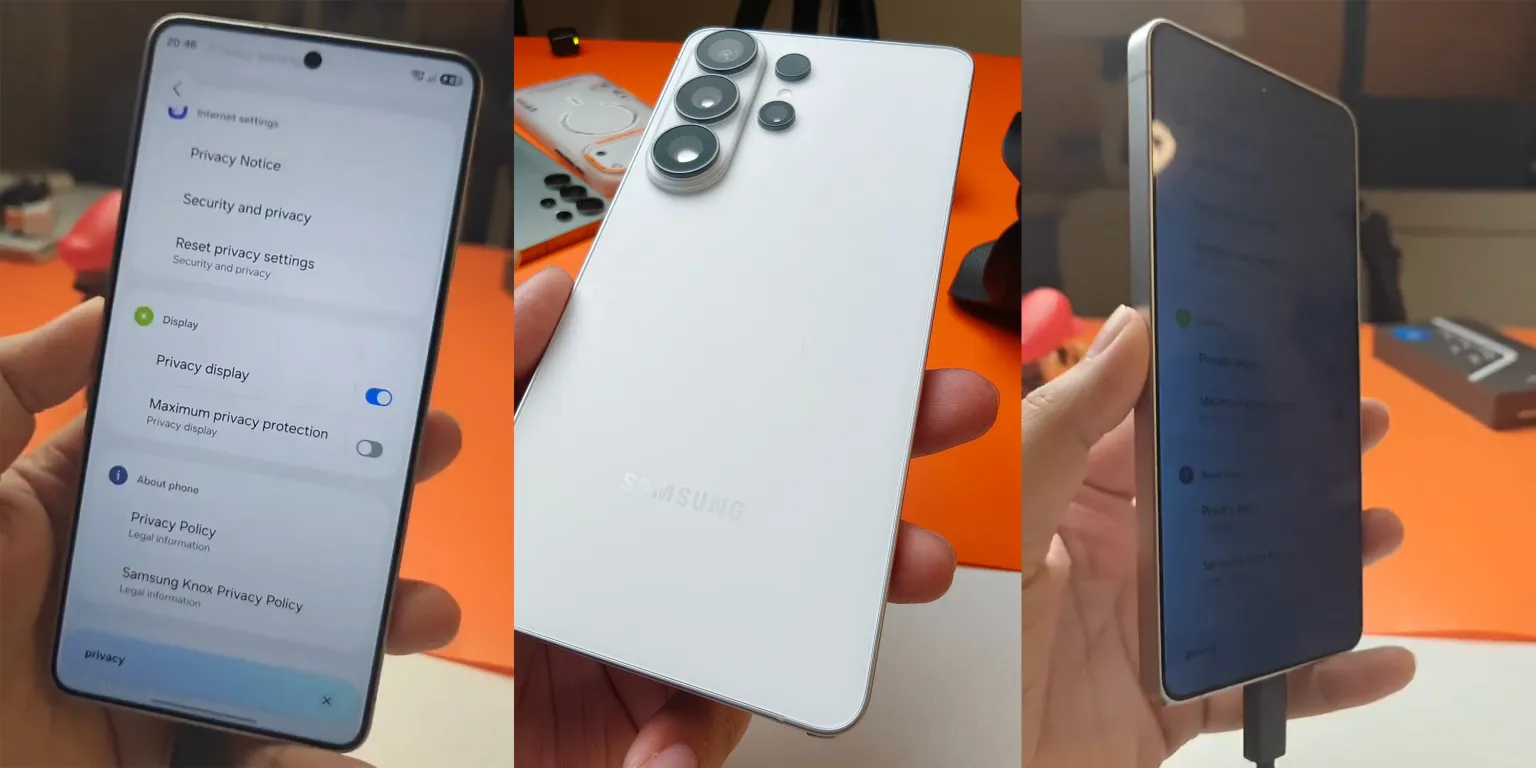 Galaxy S26 Ultra Privacy Display feature in action. Source: 9to5Google
The cool part is that you don't have to lock down the entire screen every time.
You can use Privacy Display across the whole phone, apply it to specific apps, hide incoming notifications or protect sensitive screens like PIN and password entry. You can also toggle it quickly from the Quick Panel.
This is what makes it more useful than a normal privacy protector: you can keep the normal wide viewing angles most of the time, then only turn the privacy effect on when you actually need it.
I still want to see what this looks like in person, though. Samsung says it maintains clarity from the front, but things like brightness, colour and how aggressive the privacy effect feels are exactly the kind of stuff I'd want to test before calling it perfect.
Agentic AI
Samsung's other big push this year is what it describes as a more agentic version of Galaxy AI.
The idea is basically to move away from AI that only answers questions or edits photos and toward assistants that can actually complete actions across different apps.
The S26 series gives you multiple assistants, including Bixby, Gemini and Perplexity, and Samsung has given Perplexity much deeper system access than you'd normally expect from a third-party AI app.
You can launch it with the side button or a voice wake phrase, and it can interact with Samsung apps like Notes, Calendar, Gallery, Clock and Reminders. That means you can ask it to do things like create reminders, check information on-screen or complete multi-step tasks without manually bouncing between every app yourself.
Depending on your software version and region, the wake phrase can appear as "Hey Plex" or "Hey Perplexity."
That's much more interesting to me than another AI photo filter.
The real question is whether it actually saves time in daily use or just becomes another assistant you forget exists after two weeks.
The Cameras and the Charging We Begged For
Finally, 60W Charging
For years, Samsung has been stubbornly sitting at 45W wired charging on its Ultra phones while competitors kept pushing much faster numbers.
The S26 Ultra finally moves to 60W wired charging.
Samsung still uses a 5,000mAh battery, but it says the phone can reach up to 75% in around 30 minutes with the right charger and conditions. Wireless charging also moves up to 25W.
They sure took their time with this one.
I'm much more interested in the actual 0–100% charging time than the peak wattage, but at least Samsung has finally moved forward here.
The Cameras
The S26 Ultra keeps the same basic four-camera layout:
- 200MP main
- 50MP ultrawide
- 50MP 5x telephoto
- 10MP 3x telephoto
So the 50MP ultrawide isn't actually new this generation — the S25 Ultra already had one.
The more interesting changes are elsewhere.
Samsung gave the 200MP main camera a wider f/1.4 aperture, while the 5x telephoto also gets a wider aperture to let in more light. That should matter more for low-light shooting than simply increasing the megapixel count again.
There's also a new Horizontal Lock option for Super Steady video, which is designed to keep the horizon level even when you're moving the phone around.
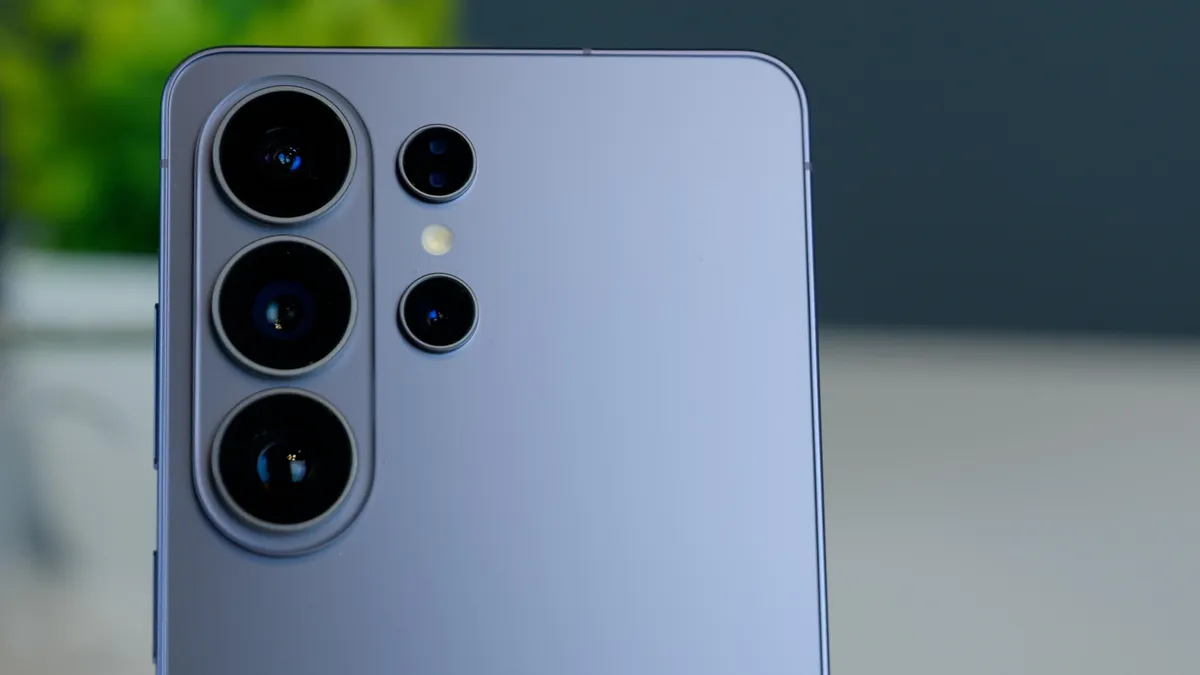 Galaxy S26 Ultra camera setup. Source: CNET
I'm not going to call the cameras better based on a launch presentation, though. Things like motion, skin tones, zoom transitions and low-light video are exactly what need an actual comparison.
Specs That Actually Matter
| Feature | Galaxy S26 Ultra |
|---|---|
| Display | 6.9-inch QHD+ Dynamic AMOLED 2X, 1–120Hz |
| Processor | Snapdragon 8 Elite Gen 5 for Galaxy |
| Cameras | 200MP main / 50MP ultrawide / 50MP 5x / 10MP 3x |
| Battery | 5,000mAh |
| Wired Charging | Up to 60W |
| Wireless Charging | Up to 25W |
| Thickness / Weight | 7.9mm / 214g |
| Standout Feature | Built-in Privacy Display |
One thing that didn't change in the US is the starting price. The S26 Ultra starts at $1,299.99, which is the same starting price Samsung used for the S25 Ultra.
So this isn't one of those years where Samsung quietly added $100 and hoped nobody noticed.
What I Actually Think So Far
The Privacy Display is easily the feature I'm most interested in. It's one of those rare smartphone additions that feels genuinely new instead of just being a slightly faster version of something we already had.
The AI stuff could also be useful if the app integration actually works consistently, and 60W charging was long overdue.
But this is still based on Samsung's launch and specifications.
I want to see the Privacy Display in real life, test the charging properly and compare the cameras before pretending I know whether the S26 Ultra is actually worth upgrading to.
If I get my hands on one, that's the next article.