
Apps
4 min readYour Phone Is Probably a Better Webcam Than the One You're About to Buy
Before buying a webcam, try the camera already in your pocket. Camo turns an iPhone or Android phone into a surprisingly good webcam for Windows or Mac.

Tech Creator /
The Webcam You Already Own
Before you spend money on a dedicated webcam, hear me out. The phone already sitting in your pocket probably has a much better camera than whatever cheap webcam you're looking at buying.
I've been using mine for streams and video calls for a while now, and once Discord, Zoom, Twitch or whatever platform you're using compresses the video anyway, I'm perfectly happy with how it looks. You already have a decent sensor, autofocus and image processing sitting in your pocket, so you might as well use it.
The setup I use is Camo, and it works with both iPhone and Android on Windows or Mac.
What You Need
You only need two apps:
- Camo Camera — install this on your phone
- Camo Studio — install this on your computer
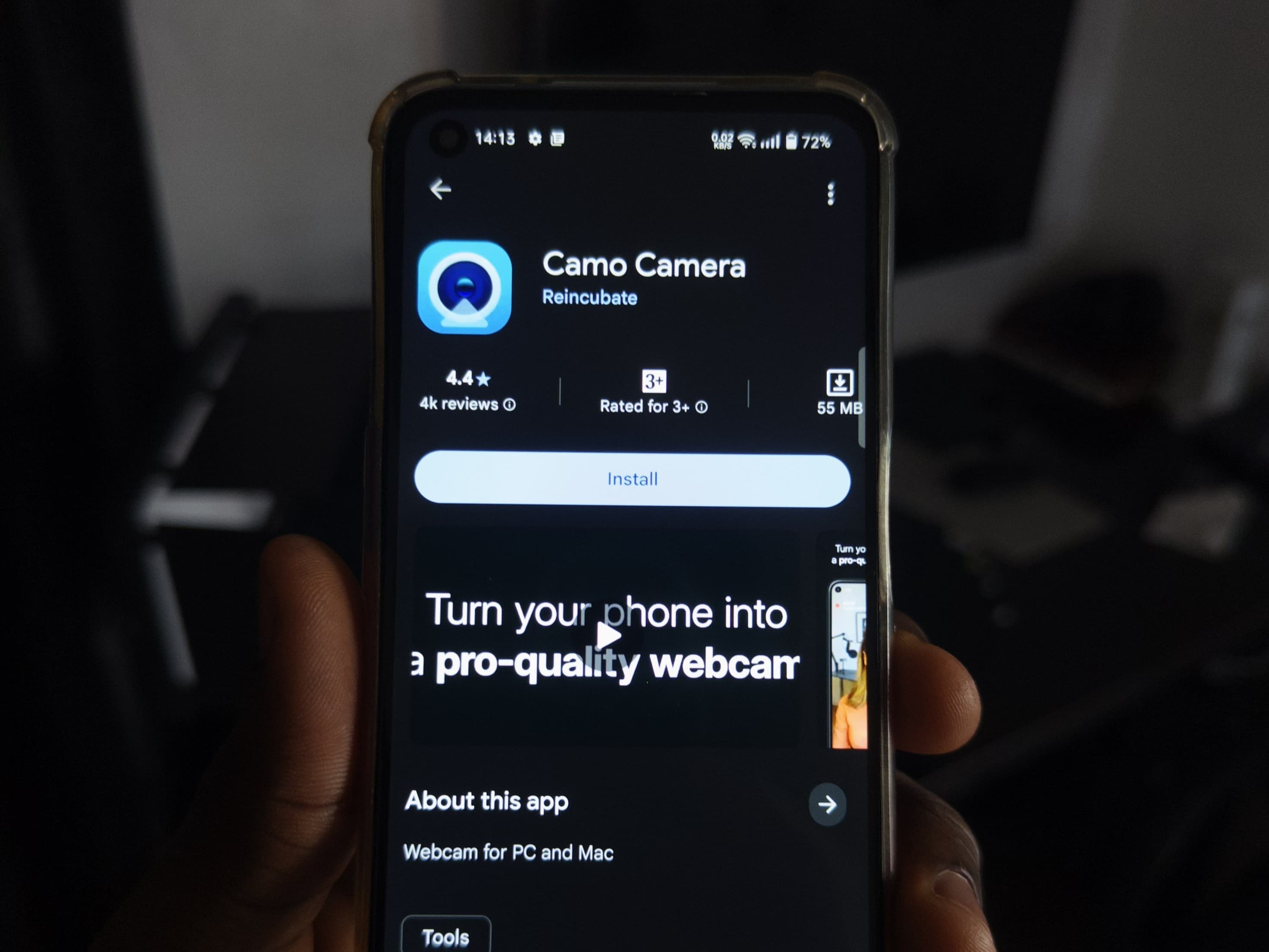 Camo Camera
 Camo Studio
For the easiest wireless setup, connect your phone and computer to the same local network. Camo can also work over USB, which is what I'd use if I wanted the lowest latency and most reliable connection.
Wi-Fi or USB? Wi-Fi is much more convenient and works perfectly well for most calls and casual streams. If you're recording something important or your Wi-Fi is unreliable, plug the phone in.
Setting It Up
On Windows, the wireless setup takes about a minute:
- Open Camo Studio on your computer.
- Click the + beside the Device dropdown to bring up the pairing QR code.
- Open Camo Camera on your phone.
- Tap the wireless connection button in the top-right.
- Scan the QR code on your computer.
That's basically it. Your phone should appear inside Camo Studio and start sending its camera feed to the computer.
From there, apps like OBS, Discord, Zoom and Google Meet can use Camo as a camera source.
The Customization Is Actually Really Good
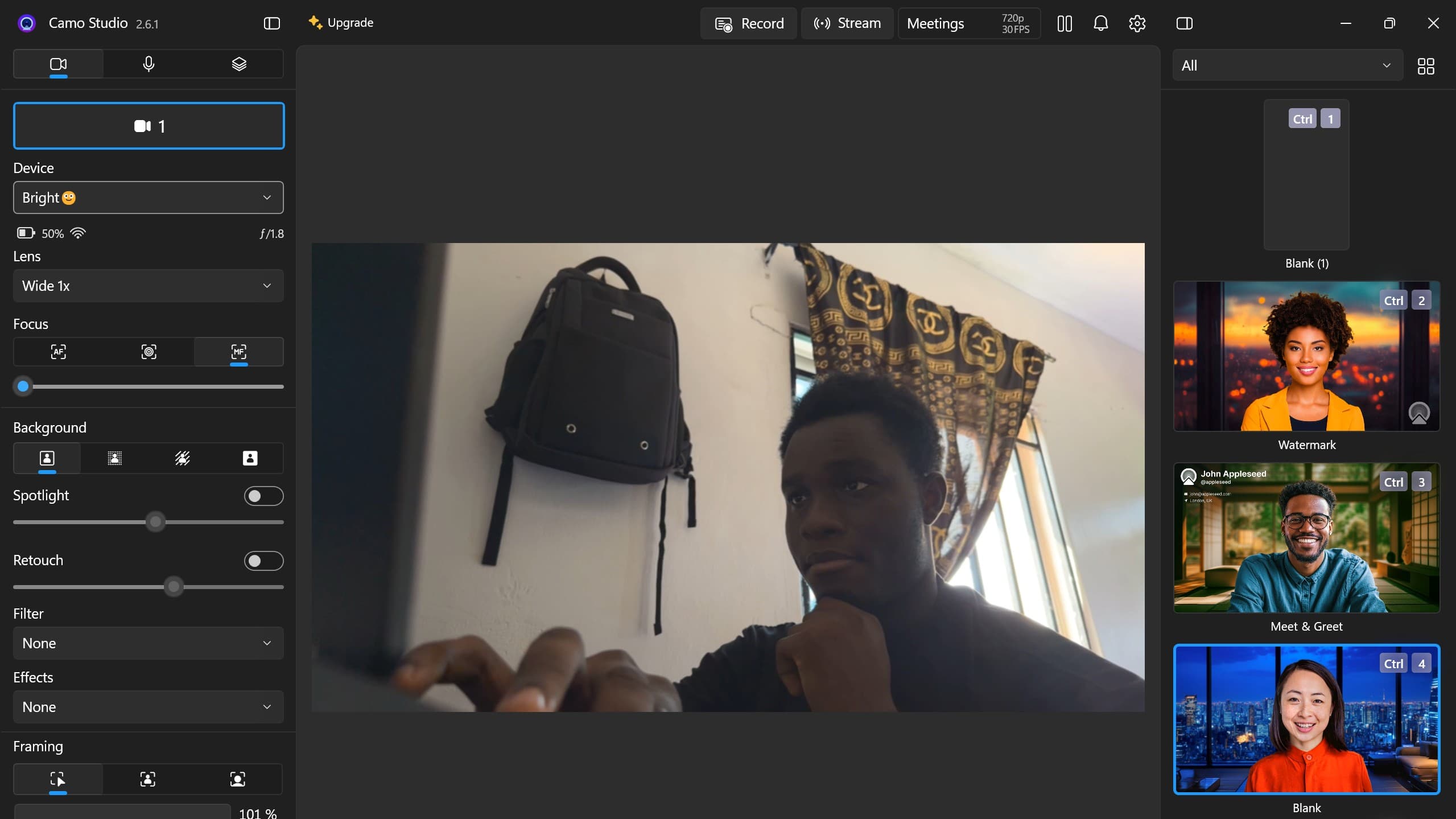
This is the main reason I prefer Camo over simply mirroring my phone camera. You get proper control over framing, zoom, focus, exposure, white balance and a bunch of image adjustments directly from the computer.
You can also choose which camera on the phone you want to use, so if your main rear camera looks significantly better than the selfie camera, you're not stuck using the front one just because it's more convenient.
Camo Studio camera controls
And because the phone is doing the actual capturing, even an older flagship can give you a surprisingly good image with decent lighting.
The biggest limitation is resolution on the free version. Camo lets you use most of its features for free, but 1080p and higher resolutions are reserved for Camo Pro. If you're just trying this out for calls, Discord or a small facecam on a stream, I'd start with the free version before paying for anything.
Don't obsess over resolution. A well-lit phone camera running at a lower resolution can still look better than a cheap 1080p webcam with a tiny sensor, bad autofocus and terrible exposure.
Make It Actually Look Good
The software is only half of this.
If you want your phone to look like a proper webcam, put it on a mount instead of balancing it against your monitor, use the rear camera if your setup allows it and give yourself some decent light.
For streaming, I'd also connect the phone over USB if possible. Wi-Fi is convenient, but a cable removes one more thing that can randomly ruin your setup halfway through a stream.
You also don't need the newest flagship phone for this. If you've got an older iPhone or Android sitting in a drawer with a decent camera, that can become a permanent webcam and leave your main phone free.
Should You Still Buy a Webcam?
Maybe, but I'd try this first.
A dedicated webcam is obviously more convenient. It stays attached to your monitor, you don't have to mount your phone every time and there's no battery to think about. Higher-end webcams can also be genuinely excellent.
But if you were about to spend money on a cheap or mid-range webcam just because your laptop camera looks terrible, install Camo first and see what your phone can do.
You might already own the better camera.