
Hardware
8 min readThe Ultimate Guide to Lenovo's Laptop Lineup

ThinkPad, ThinkBook, IdeaPad, Yoga, Legion and LOQ all target very different buyers. Here's where each Lenovo laptop family actually fits.

Tech Creator /
Finding Your Perfect Match
Trying to pick a laptop from Lenovo's catalog can be a bit of a maze. You have the classic black ThinkPads we've all seen, thin Yoga laptops, cheap IdeaPads, ridiculous Legion gaming machines and a bunch of names in between.
And the differences actually matter. If you don't know where something like a ThinkBook sits compared with an IdeaPad, or why Lenovo sells both LOQ and Legion, it's pretty easy to either overpay for features you don't need or buy a laptop that isn't built for your workload.
So instead of going model by model, here's how Lenovo's main laptop families fit together in 2026.
The Business-Focused: ThinkPad & ThinkBook
ThinkPad: The Workhorse
The ThinkPad name has been around since 1992 and is still Lenovo's main business laptop family. These are generally built around durability, security, good keyboards, repairability and the kind of ports and management features businesses actually care about.
The confusing part is that ThinkPad itself contains several different tiers.
- X1 Series: Lenovo's premium thin-and-light ThinkPads. The X1 Carbon is the obvious example and is aimed at people who want something light without giving up the business features.
- X9 Series: A newer premium branch with a more modern design than the traditional ThinkPad look.
- X Series: Compact business laptops like the X13, built around portability without going as expensive as X1.
- T Series: Probably the easiest ThinkPad to recommend to a normal professional. These are the mainstream workhorses of the lineup.
- P Series: The workstation family. This is where you look if your job involves CAD, engineering, 3D work or other workloads that benefit from workstation-class hardware and professional GPU options.
- L Series: More affordable business machines that keep many of the security and management features of the more expensive ThinkPads.
- E Series: The entry point into ThinkPad, aimed heavily at smaller businesses and buyers who want the ThinkPad experience without T-series money.
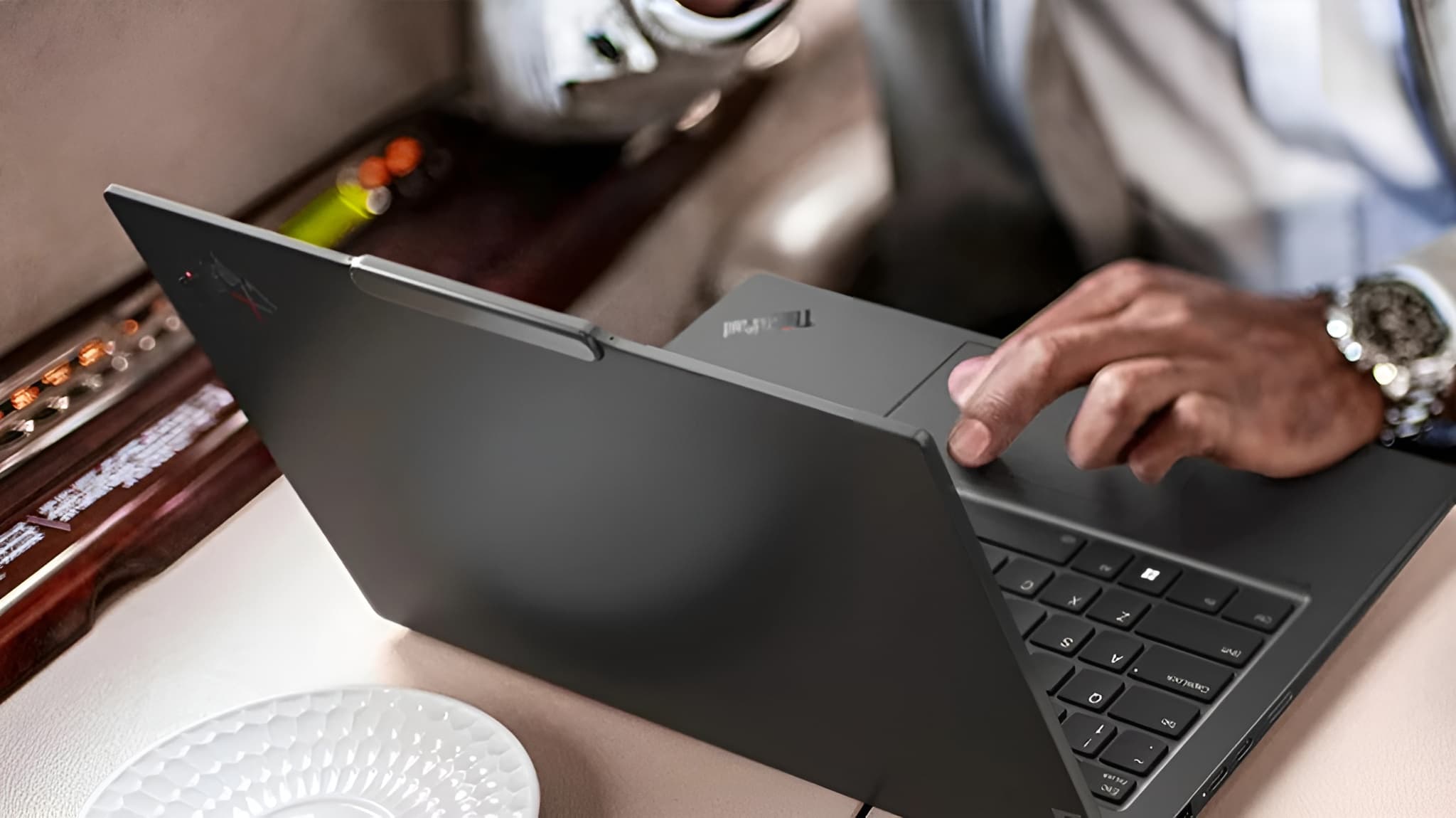 Lenovo ThinkPad X1 Carbon on a desk
There are still older ThinkPad names like the Z series floating around on the used market, but if you're shopping Lenovo's current 2026 lineup, the families above are the ones I'd focus on.
ThinkBook: Business Without the ThinkPad Look
ThinkBook sits in an interesting middle ground.
You still get a lot of the things that make sense for work — security features, upgradeable configurations on some models, plenty of ports and business support — but the laptops look much more like normal silver consumer machines than traditional ThinkPads.
That's basically who I'd recommend them to: someone running a small business or buying a laptop primarily for work who doesn't necessarily want the black ThinkPad aesthetic or need every enterprise feature.
Some ThinkBooks also get surprisingly experimental. Lenovo has used the lineup for 2-in-1 models and some of its stranger concepts, so it isn't just a cheaper ThinkPad with a different logo.
Consumer & Everyday: IdeaPad
IdeaPad: The Normal Laptop
If ThinkPad is the business family, IdeaPad is basically Lenovo's general consumer lineup.
This is where you'll find everything from inexpensive laptops for browsing and schoolwork to much nicer machines that can handle creative work. The naming has changed enough over the years that I wouldn't rely entirely on the old "3 is cheap, 5 is better, 7 is premium" rule anymore.
In 2026, these are the names I'd pay attention to:
- IdeaPad Slim: Traditional thin-and-light laptops. These cover a huge range of prices, so check the actual specifications rather than assuming every Slim is the same class.
- IdeaPad 2-in-1: Convertible models with touchscreens and 360-degree hinges.
- IdeaPad Pro: More powerful IdeaPads aimed at people who want better displays and stronger hardware for things like editing and creative work.
Lenovo also adds letters like i, a and x to some model names depending on the platform inside. The exact naming varies by generation and market, which is another reason I would always look at the full model rather than buying based purely on "IdeaPad 5" or something similar.
One thing I would not do in 2026 is buy an old IdeaPad Gaming just because you see one listed cheaply and assume that's Lenovo's current budget gaming line. Lenovo created LOQ specifically for that part of the market, and that's where I'd start now if gaming is the priority.
Yoga: The Premium Consumer Side
Yoga Isn't Just the Foldy One Anymore
This is where Lenovo's naming gets a little confusing.
People hear Yoga and immediately think of a touchscreen laptop that folds backwards, but not every Yoga is a convertible anymore. The current family includes normal clamshell laptops, high-performance creator machines and the weird dual-screen stuff Lenovo loves experimenting with.
There are basically four branches worth understanding:
- Yoga 2-in-1: The traditional Yoga. Touchscreen, 360-degree hinge and pen support on many models, so you can use it as a laptop or fold it into tablet, tent and stand modes.
- Yoga Slim: Premium thin-and-light clamshell laptops. These do not need to fold into tablets just because they have Yoga in the name.
- Yoga Pro: Higher-performance creator machines with stronger CPUs, better display options and, on some models, dedicated graphics.
- Yoga Book: The experimental side of the family. The Yoga Book 9i, for example, replaces the normal keyboard deck with a second full-size display.
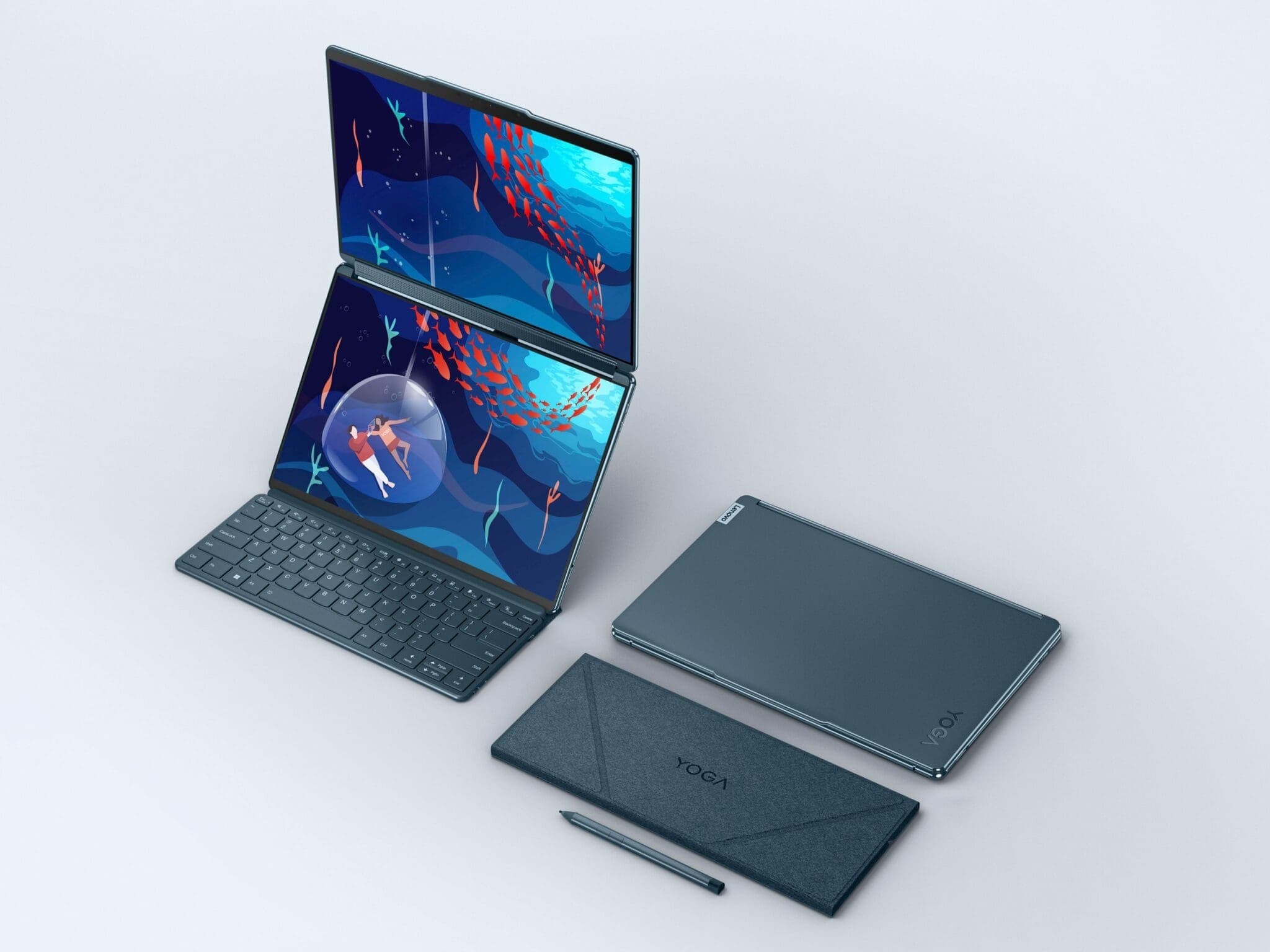 Lenovo Yoga Book 9i dual screen setup
So if you want something premium and portable, look at Yoga Slim. If drawing and touch input matter, look at the 2-in-1 models. If you edit, render or need more power, Yoga Pro makes more sense.
And if you want two OLED screens because apparently one laptop display isn't enough for you, that's what Yoga Book is for.
The Powerhouses: Legion & LOQ
Legion: Gaming Without Looking Completely Ridiculous
This is the Lenovo family I know best.
Legion is the proper performance lineup. Gaming is obviously the main focus, but the combination of powerful GPUs, high-refresh displays and serious cooling also makes these laptops very good for video editing, Blender, 3D work and other GPU-heavy workloads.
The current lineup is easier to understand if you think of it in tiers.
- Legion 5: The mainstream option. Usually the sweet spot between price, performance and portability.
- Legion Pro 5: A thicker, more performance-focused version for people who care more about sustained power than having the sleekest laptop.
- Legion 7: More premium materials and design while still packing serious gaming hardware.
- Legion Pro 7: One of the highest-performance conventional Legion laptops, with more powerful GPU configurations and cooling designed around them.
- Legion 9: The ridiculous one. This is the halo machine where Lenovo throws in its highest-end hardware and experimental flagship features.
Don't ignore Legion if you're not a gamer. I use a Legion myself because the same things that make a good gaming laptop — a powerful GPU, strong cooling and a high-performance CPU — also make it useful for editing, 3D work and development.
One thing to watch is the difference between Legion and Legion Pro. Pro doesn't just mean "better" in every possible way. The Pro models generally lean harder into performance and cooling, while the normal Legion machines can make more sense if you also care about portability and design.
LOQ: The Cheaper Way Into Gaming
LOQ is Lenovo's budget gaming family and basically sits underneath Legion.
This is where I'd look if you want a proper dedicated GPU but don't want to spend Legion money. Current LOQ configurations can still come with surprisingly capable RTX graphics, but the compromises usually show up in things like chassis materials, displays, speakers, battery life and some of the smaller quality-of-life features.
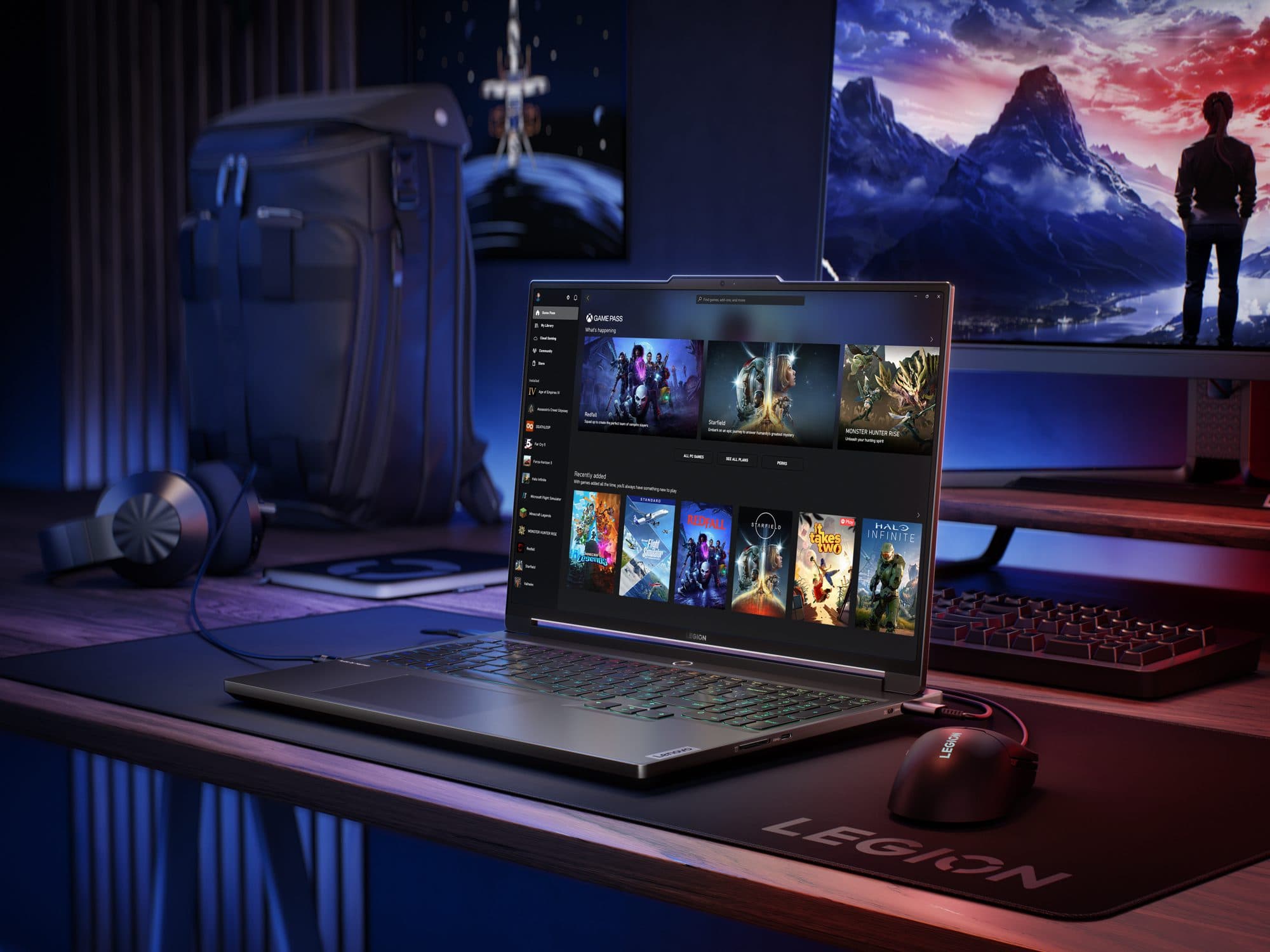 Lenovo Legion Gaming Setup
That's not necessarily bad.
If your budget means choosing between a nicer chassis and a stronger GPU, I'd happily take the uglier laptop with more performance for gaming.
Just compare the exact configuration carefully because LOQ is one of those ranges where two laptops that look almost identical can have very different screens, processors and GPUs.
So Which Lenovo Should You Buy?
| Series | Best For | What You're Really Paying For |
|---|---|---|
| ThinkPad | Professionals / businesses / engineers | Durability, security and business features |
| ThinkBook | Small businesses / professionals | Business features with a more consumer-style design |
| IdeaPad | Students / everyday users | Value and a huge range of configurations |
| Yoga | Premium users / creators | Better displays, portability and flexible form factors |
| Legion | Gamers / editors / 3D artists | Performance, GPUs and cooling |
| LOQ | Budget gamers / creators | Dedicated graphics for less money |
The easiest way to choose isn't to ask which Lenovo lineup is "best." It's to figure out what you're actually paying for.
If you just need a laptop for school and browsing, buying a ThinkPad P-series workstation would be ridiculous. If you're rendering Blender scenes every day, saving money with a basic IdeaPad probably won't feel like much of a saving after a month.
For me, Legion makes the most sense because I game, edit videos, work in 3D and develop on the same machine. Someone who spends most of their day travelling between meetings would probably be much happier with an X1 Carbon or Yoga Slim.
That's really Lenovo's biggest advantage and also the reason its lineup looks so confusing at first: there's basically a laptop for every type of person.
You just need to know which family you're supposed to be looking at.