Content Creation
4 min readHow to Go Live on TikTok Without 1,000 Followers
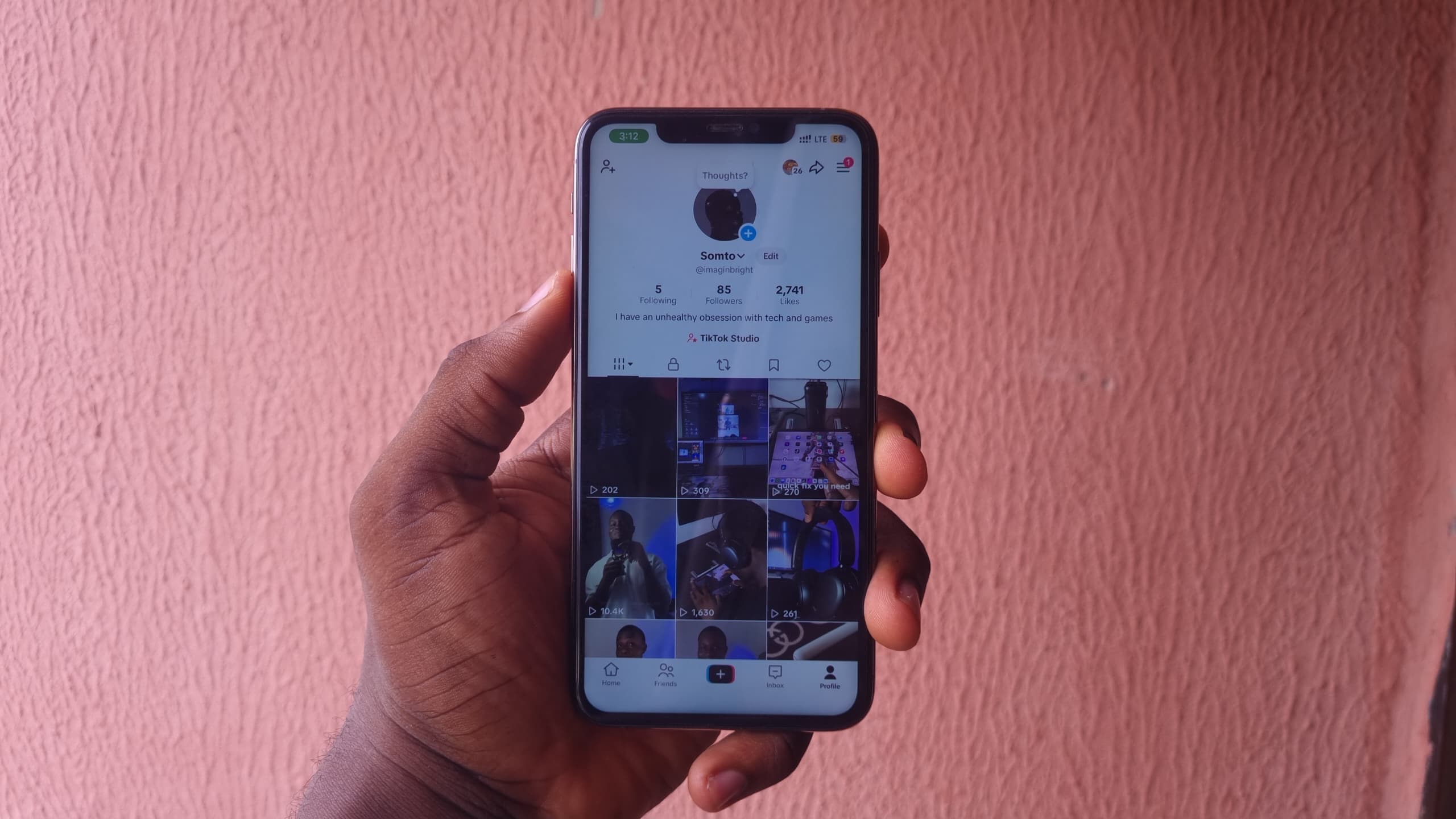
I got access to TikTok LIVE with only 85 followers. Here's how TikTok LIVE Studio's access request works and what you should know before trying it.

Tech Creator /
The 1K Barrier Isn't Always a Hard Wall
TikTok officially says you generally need 1,000 followers to go LIVE, although it also says that requirement can vary by region. The interesting part is that I was able to get LIVE access with only 85 followers.
So if you've been waiting to hit 1,000 before even trying to stream, there is another route worth checking: TikTok LIVE Studio.
This isn't a guaranteed bypass that works on every account. TikTok still decides whether your account gets access, and the requirements can differ depending on your region and account activity. But I've tested it on multiple smaller accounts and managed to get access below the usual 1,000-follower mark.
Before you try this: TikTok requires you to be at least 18 years old to host a LIVE. Your account also needs to be in good standing, and LIVE availability can differ depending on your country or region.
The Setup: TikTok LIVE Studio
First, make sure you're logged into the TikTok account you want to use.
Then download TikTok LIVE Studio from TikTok's official website and install it on your PC. LIVE Studio currently requires a 64-bit version of Windows 10 or newer.
Once it's installed, open LIVE Studio and sign into your TikTok account.
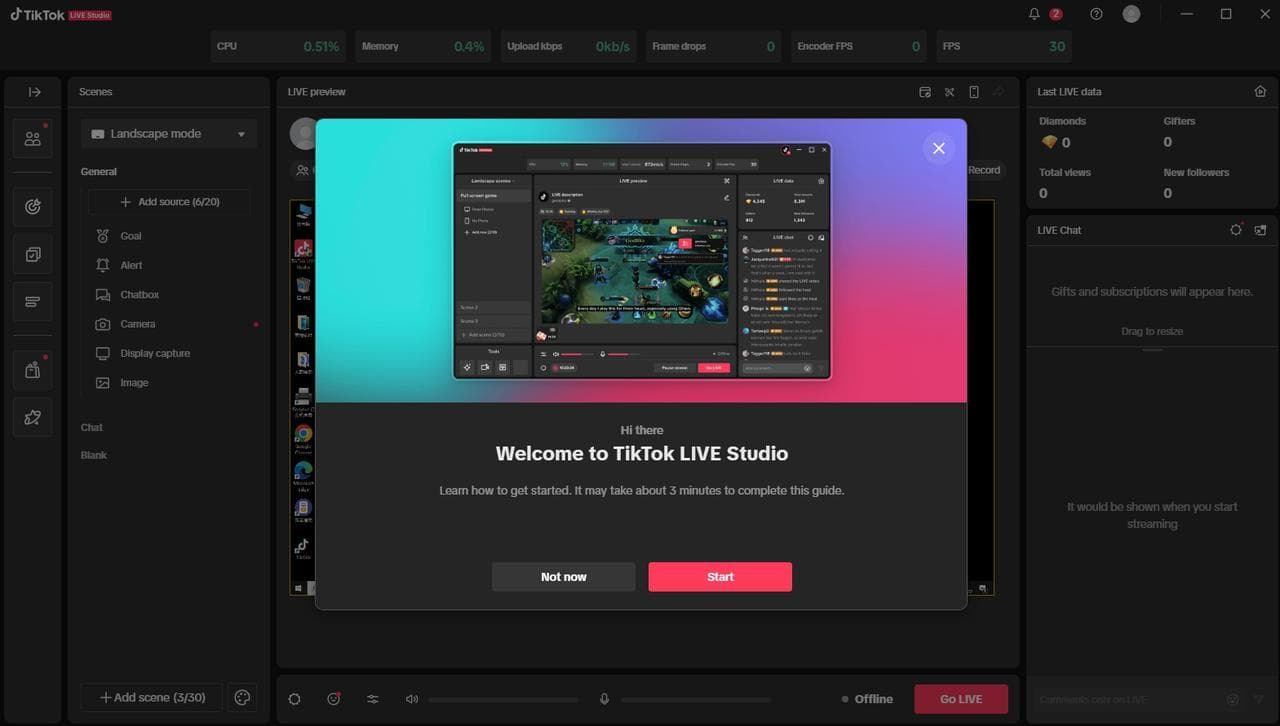 TikTok LIVE Studio Homepage
If your account already has LIVE Studio access, you'll be able to start setting up your stream immediately.
If it doesn't, this is where things get interesting.
Requesting LIVE Access
Look around the top-right area of LIVE Studio for your LIVE access status. If your account is eligible to apply, TikTok will give you an option to request access.
Submit the request.
TikTok's own LIVE Studio documentation says the requirements aren't identical for everyone. It can look at things such as your account history, follower count, previous LIVE activity and whether your account has had recent LIVE restrictions.
The exact requirements can also vary by country.
That's important because it means 1,000 followers isn't necessarily the only number that decides whether LIVE Studio lets you stream.
In my case, I got access with around 85 followers. I also tried the process on two other smaller accounts and they were approved, although that doesn't mean every new account will get the same result.
I would definitely have some actual content on the account before applying. All the accounts I tested already had a few proper videos posted rather than being completely empty profiles.
Don't treat this as guaranteed. TikTok controls LIVE access and can change its requirements at any time. If the request option doesn't appear or your application gets rejected, there isn't a button you can press to force it through.
What If You Already Stream Somewhere Else?
TikTok also has an application route for people who already stream on another platform.
If LIVE Studio doesn't recognise you as an active TikTok LIVE creator, it may give you an application where you can provide information about your channel on another platform.
TikTok says these applications can take a few days to review.
So if you already stream on YouTube, Twitch or somewhere else, don't assume you have to build your TikTok account to exactly 1,000 followers before checking LIVE Studio.
Setting Up Your First Stream
Once you've been approved, LIVE Studio works a lot like OBS.
You can add your screen, games, camera, microphone and other sources, then arrange everything into scenes before going live.
For gaming, you can build a landscape scene for the actual game while still designing the stream around the vertical way most TikTok viewers will see it.
And that's really it.
You don't need to wait until 1,000 followers just to check whether TikTok will give your account LIVE Studio access.
What About Going LIVE From Your Phone?
This is the part I wouldn't promise.
Getting approved for LIVE Studio does not necessarily mean the LIVE button will suddenly appear inside the TikTok mobile app. TikTok treats LIVE eligibility differently depending on the account and region, and I haven't found a reliable method that forces mobile LIVE access to unlock.
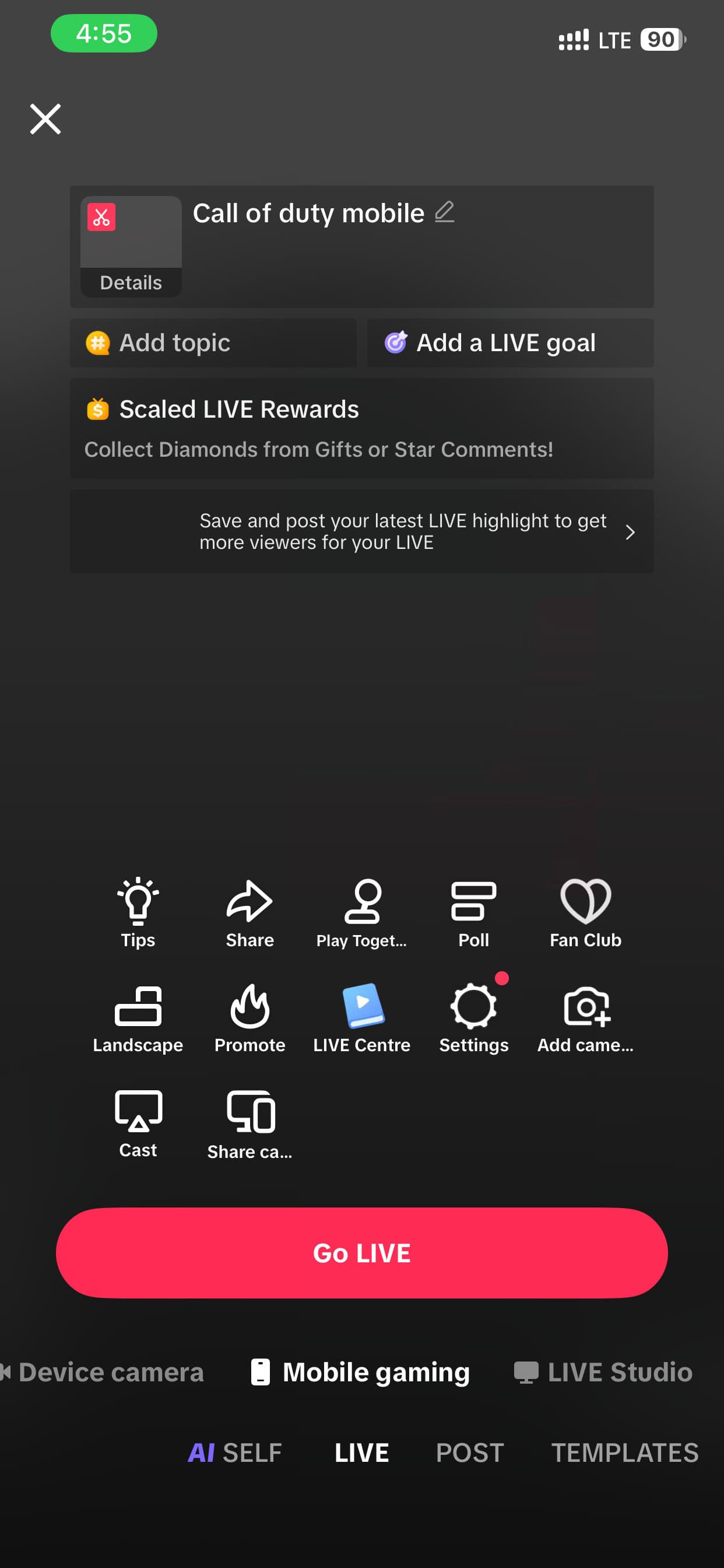 TikTok Live Page On Mobile
I've seen accounts gain mobile access later, including after becoming more active with LIVE, but I wouldn't tell you that getting viewers, followers or gifts will automatically trigger it. TikTok doesn't document that as a guaranteed method.
If your goal is simply to start streaming from your PC, though, LIVE Studio is absolutely worth checking before you wait months to reach 1,000 followers.
Worst case, TikTok tells you that your account isn't eligible yet.
Best case, you might be able to start much earlier than you expected.